
Welcome
Start here
What HelpLift is, who it is for, and how it all fits together.
For everyone. Five minutes, and nothing to memorise.
Welcome to HelpLift
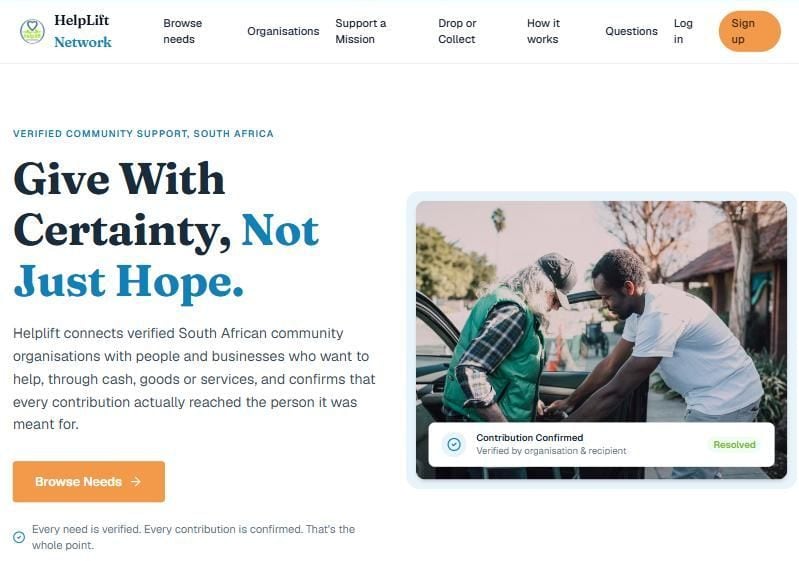
HelpLift is a website that connects two kinds of people:
- People who want to give: money, food, clothes, a skill or their time.
- Non-profit organisations that need help for the people they look after.
A real person at HelpLift checks every organisation before it can ask for anything. And HelpLift never keeps anyone's money: it goes straight to the organisation.
Four kinds of people use HelpLift
One person can be more than one of these. Each has its own guide:
- Giver (HelpLift calls this a Resource): someone who wants to help.
- Organisation Admin: runs a non-profit's account, its staff, money and public page.
- Organisation Staff Member: does the day-to-day work for a non-profit.
- Super Admin: the HelpLift team, who check that every organisation is real.
Not sure which you are? Am I an organisation or a Resource?
How it all fits together
One picture before the detail. The left side is a giver's path, the right side is an organisation's, and they meet in the middle. Every contribution, however it started, ends the same way: confirmed by the people involved.
Notice that the Super Admin check sits only on the organisation's side. That is the one gate the whole platform's trust depends on.
The honest overview, for anyone
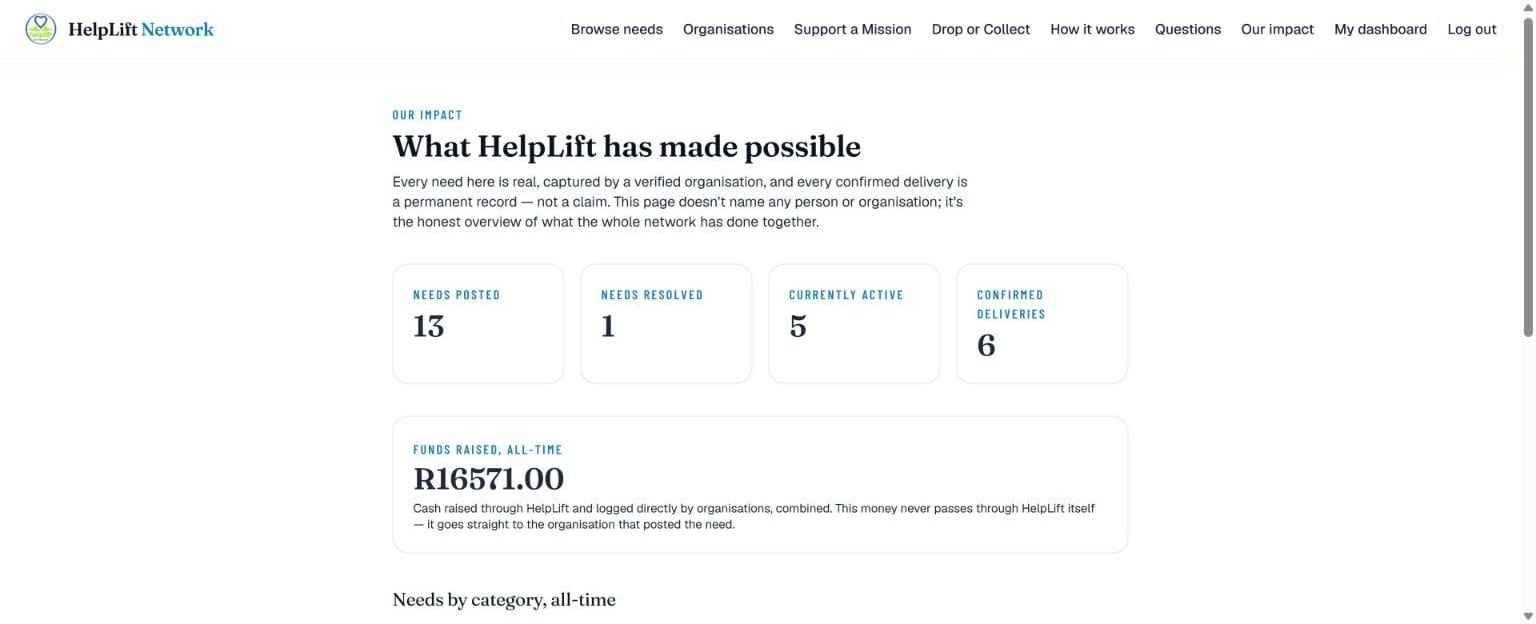
Our impact, in the menu at the top, is open to everyone, with no account and no login. It is the honest record of the whole network: how many needs were posted and met, how much was confirmed as delivered, and what kinds of needs they were. It never names a single need, person or organisation.
Look around first: Browse needs, Organisations, Support a Mission and Drop or Collect are all open without an account. You only need one to give, to list something, or to run an organisation.
If you get stuck
Help is never more than one tap away:
- Tap the round Help button at the bottom right of any screen. It opens the guide for the exact screen you are on.
- Type your question into the search on the Help page, in your own words.
- Every guide can be printed or saved as a PDF. Handy for training volunteers.
Still stuck? Send us a message and a real person will get back to you.
The other guides
Chapter 1
Giver (Resource)
For anyone who wants to give: money, goods, a service, or their time.
Chapter 2
Organisation Admin
For the person in charge of a non-profit's HelpLift account: staff, money and the public profile.
Chapter 3
Organisation Staff Member
For someone who does the day-to-day work: capturing the people being helped, their needs, and the help that arrives.
Chapter 4
Super Admin
For the HelpLift team: check that every organisation is real, and keep the platform honest and safe.
Still stuck?
Search the help page in your own words, or open the full explanation of every part of HelpLift. If that does not answer it, send us a message and a real person will get back to you.